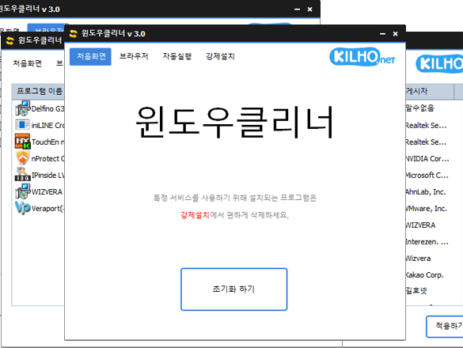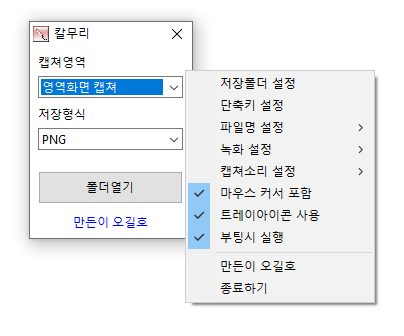
Image Converter 1.5.4 Update
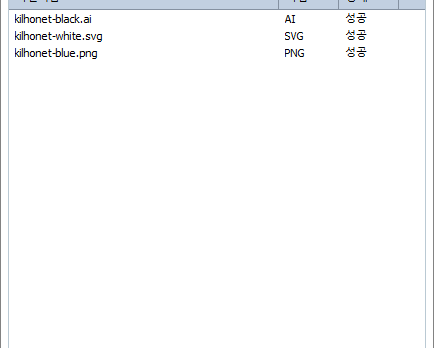
The Image Converter (1.5.4) has been updated. You can convert various image formats. JPG files are saved with better compression using MozJPEG. PDF files are saved as image files for each page. Transparency is preserved in PNG and WEBP formats. You can convert using the right-click context menu. No installation is required. Homepage Image Converter:...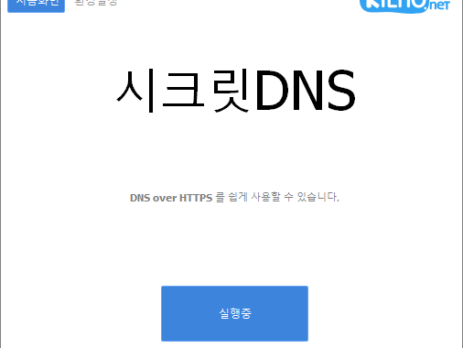
SecretDNS Update 3.7.6
SecretDNS (3.7.6) has been updated. Recommended Options allow you to enjoy a smoother experience by handling exceptions only for the sites you need. Only fragment the SNI string to minimize speed reduction. DNS functions can only be enabled for specified domains with SNI fragmentation. Use a designated DNS server without changing Windows settings. Easily check...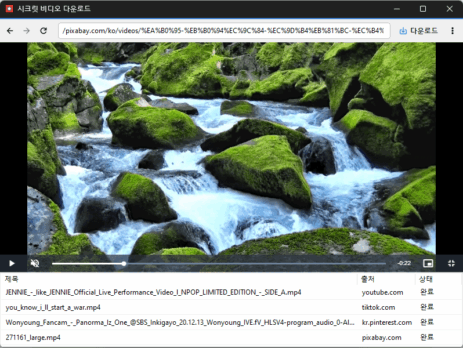
Secret Video Downloader 1.0.0 Update
Secret Video Downloader (1.0.0) has been updated. You can easily save videos available on various sites. You can save the videos and audio provided in quality that is close to the original. Homepage Secret Video Downloader : https://secretvideo.kilho.net There’s a new post. Click here to check out the latest post. Related Links Update Guide :...
Image Warehouse Update Notice
We have updated the Image Warehouse. Upload images easily without signing up and share them effortlessly. Conveniently share through the generated short URL. You can use it completely for free. Supports external links without restrictions. Automatic deletion feature is supported. HistoryUpdate - 2025/09/10- Changed image output pageUpdate - 2024/09/20- Changed menu structureUpdate - 2024/09/16- Added...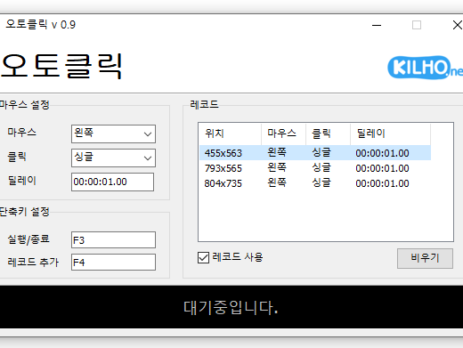
AutoClick 1.4.2 Update
AutoClick (1.4.2) has been updated. This is a mouse auto-clicking program. You can add time and coordinates to use it in various patterns. Detailed specifications for clicks can be set. It can be used without installation. Homepage AutoClick: https://autoclick.kilho.net HistoryVersion 1.4.2 (2025/09/08)- Added record open/save featureVersion 1.4.1 (2025/08/04)- Bug fixes and stability improvementsVersion 1.3.11 (2025/06/03)-...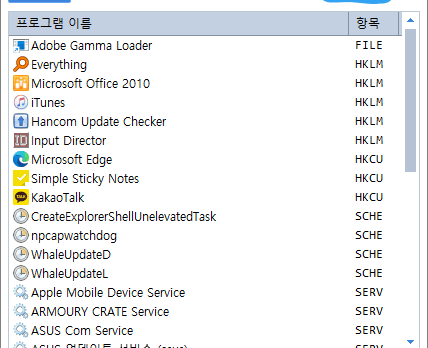
StartCleaner 1.0.0 Update
StartCleaner (1.0.0) has been updated. Effortlessly manage programs that run automatically on boot. Integrate the management of various items such as startup folder, registry, task scheduler, and services. Safely modify settings by disabling instead of deleting. Homepage StartCleaner: https://startcleaner.kilho.net HistoryVersion 1.0.0 (2025/09/05)- Bug fixes and stability improvementsVersion 0.9.7 (2025/07/02)- Added the ability to reactivate startup...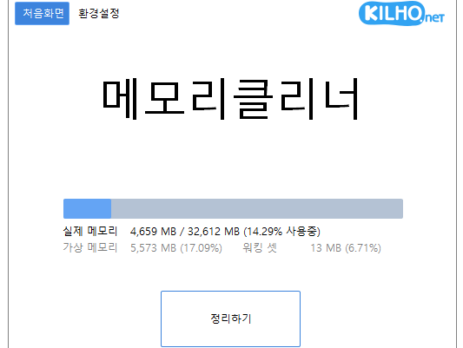
Memory Cleaner 1.8.8 Update
Memory Cleaner (1.8.8) has been updated. Cleans various memory areas. Automatic cleanup based on settings. No installation required. Website Memory Cleaner: https://memorycleaner.kilho.net HistoryVersion 1.8.8 (2025/09/03)- Improved memory status display featureVersion 1.8.7 (2025/08/05)- Fixed specific setting bugsVersion 1.8.6 (2025/07/22)- Bug fixes and stability improvementsVersion 1.8.5 (2025/06/23)- Fixed the issue of duplicate tray icon settings- Fixed bugs...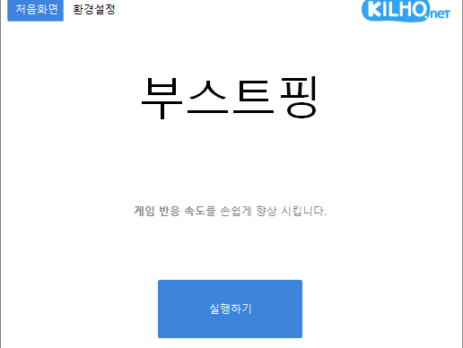
Boostping 1.5.9 Update
The Boostping (1.5.9) has been updated. Analyzes the active network accurately and configures accordingly. Changes the network throttling index. Disables the Nagle algorithm. Available for use without installation. Homepage Boostping: https://boostping.kilho.net HistoryVersion 1.5.9 (2025/08/28)- Fixed array processing error for network adapter IPAddressVersion 1.5.8 (2025/07/30)- Bug fixes and stability improvementsVersion 1.5.7 (2025/06/19)- Added exception handling for...