


SecretDNS 3.8.7 Update
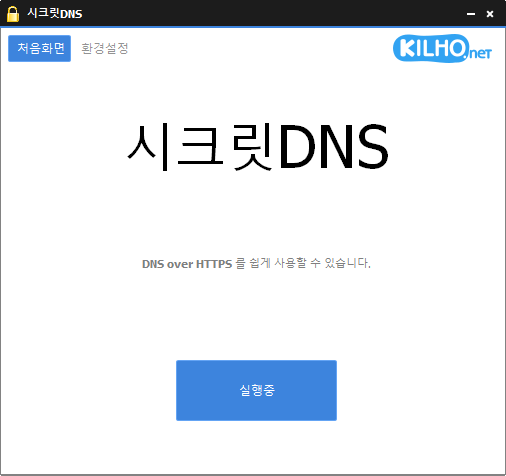
SecretDNS (3.8.7) has been updated.
- Recommended Options allow you to use only the necessary sites as exceptions for a smoother experience.
- Minimizes speed degradation by only fragmenting SNI strings.
- Only specified domains can be utilized for SNI fragmentation and DNS functions.
- Utilizes a DNS server without changing Windows settings.
- Easily check the domain you are connected to.
- Can be used in conjunction with proxy functions.
- No installation required.
Homepage
- SecretDNS: https://secretdns.kilho.net
Recommended Options
- DNS Settings - Encryption (DOH)
- SNI Settings - Fragmentation (User-defined)
- Specify List - Input domains to bypass
History
- Version 3.8.7 (2026/03/17)
- Improved execution and termination operations through structural organization
- Enhanced handling of exceptions/specified lists during execution
- Improved network operation stability - Version 3.8.6 (2026/02/25)
- Minimized exceptions by organizing logic for automatic start settings - Version 3.8.5 (2026/02/05)
- Improved stable operation when failing to retrieve internet information
- Added fragmentation extension feature for LG Internet users - Version 3.8.4 (2026/01/19)
- Adjusted the order of tray icon creation for improved display stability - Version 3.8.3 (2025/12/27)
- Enhanced tray icon display method for increased display stability
- Fixed duplicate storage issue by locking tray icon descriptions
There is a new post.Click here to check out the latest post.
Related Links
- Update Guide: https://kilho.net/archives/notice/2940
- iPhone Bypass: https://gnu.kilho.net/tiptech/1330
License
- SecretDNS is Freeware.
- You can use it freely without spatial constraints in offices, homes, public offices, schools, and more.
- It can be freely distributed anywhere.
Download
Frequently Asked Questions (FAQ)
- Why is it good to use recommended options?
By using features like DNS tampering prevention and SNI traffic bypass, you can enjoy both speed and security. - Does the SNI fragmentation feature slow down performance?
No, this program minimizes speed degradation by only fragmenting SNI strings. - Does the DNS setup change Windows system settings?
No, it uses its own DNS settings (DNS over HTTPS) without changing Windows settings for stability and security. - What should I do if a specific site cannot be accessed?
You can minimize access issues by setting a whitelist or a specified domain list. - Can it be used without installation?
Yes, there is a portable version available that allows for immediate use without installation.

Leave a Reply