


SecretDNS 3.8.4 Update
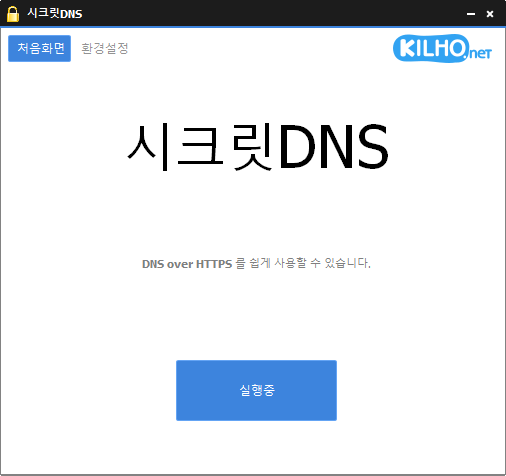
SecretDNS (3.8.4) has been updated.
- Recommended Option allows you to use only the necessary sites with exceptions for a smoother experience.
- Only the SNI string is fragmented to minimize speed reduction.
- Only specified domains can use SNI fragmentation and DNS functions.
- A DNS server can be specified without changing Windows settings.
- You can easily check the domains you have accessed.
- Can be used in combination with proxy features.
- Can be used without installation.
Homepage
- SecretDNS: https://secretdns.kilho.net
Recommended Options
- DNS Settings – Encryption (DOH)
- SNI Settings – Fragmentation (Specify Directly)
- Specified List – Enter domains to bypass
History
- Version 3.8.4 (2026/01/19)
- Adjusted order for tray icon creation to improve display stability - Version 3.8.3 (2025/12/27)
- Improved tray icon display method to enhance display stability
- Fixed a duplicate saving issue with fixed tray icon descriptions - Version 3.8.2 (2025/12/06)
- Improved a Windows 11 bug where tray icons stack up - Version 3.8.1 (2025/11/14)
- Modified the program to prevent it from closing during temporary DNS server errors
- Enhanced network stability for overall connection quality improvement. - Version 3.8.0 (2025/10/25)
- Fixed access errors to some sites by improving SNI handling
- Automatic application of fragmentation extension function for SK internet users
Related Links
- Update Guide: https://kilho.net/archives/notice/2940
- iPhone Bypass: https://gnu.kilho.net/tiptech/1330
License
- SecretDNS is Freeware.
- You can use it anywhere without restrictions, including in businesses, homes, government offices, and schools.
- It can be freely distributed anywhere.
Download
Frequently Asked Questions (FAQ)
- Why is it good to use the recommended option?
It allows you to easily enjoy functions like preventing DNS tampering and bypassing SNI eavesdropping while taking care of speed and security at the same time. - Does the SNI fragmentation feature slow down the speed?
No. This program only fragments the SNI string to minimize speed reduction. - Does the DNS setting change Windows system settings?
No. It uses its own DNS settings (DNS over HTTPS) without changing Windows settings, ensuring stability and safety. - What should I do if a specific site cannot be accessed?
You can minimize access issues by setting a whitelist or designated domain list. - Can I use it without installation?
Yes. There is a portable version available, so you can use it directly without any installation process.

Leave a Reply