


SecretDNS 3.8.3 Update
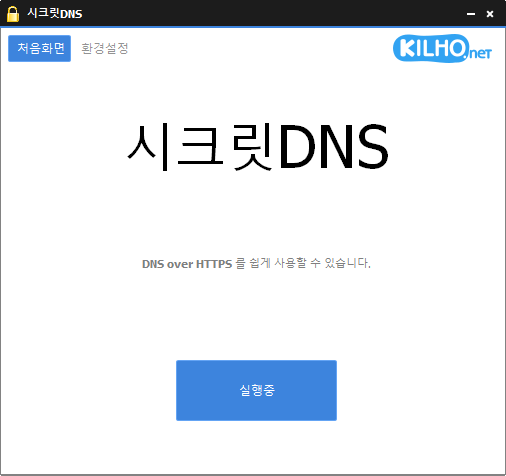
SecretDNS (3.8.3) has been updated.
- Recommended Options allow you to smoothly use the service by excluding only the necessary sites.
- Fragmentation only occurs on the SNI string to minimize speed degradation.
- Only specified domains can utilize SNI fragmentation and DNS functionality.
- Use by specifying the DNS server without changing Windows settings.
- You can easily check the domains you are connected to.
- Can be used in combination with proxy functions.
- Available for use without installation.
Homepage
- SecretDNS: https://secretdns.kilho.net
Recommended Options
- DNS Settings - Encryption (DOH)
- SNI Settings - Fragmentation (User-defined)
- Designated List - Enter domains to bypass
History
- Version 3.8.3 (2025/12/27)
- Improved the display method of the tray icon for enhanced display stability
- Fixed duplicate storage issue with tray icon description - Version 3.8.2 (2025/12/06)
- Improved the bug where tray icons stack in Windows 11 - Version 3.8.1 (2025/11/14)
- Modified to prevent program termination during temporary DNS server errors
- Improved overall connection quality by enhancing network stability. - Version 3.8.0 (2025/10/25)
- Fixed access errors on certain sites due to improved SNI processing methods
- Automatically applies fragmentation extension functionality for SK internet users - Version 3.7.9 (2025/10/21)
- Enhanced stability in some ISP environments due to improved SNI handling
- Improved compatibility and transmission stability through fragmentation extension features
- Adjusted data transmission order to improve access speed
Related Links
- Update Notice: https://kilho.net/archives/notice/2940
- Bypass on iPhone: https://gnu.kilho.net/tiptech/1330
License
- SecretDNS is Freeware.
- You can use it freely without space restrictions in companies, homes, government offices, schools, etc.
- It can be freely distributed anywhere.
Download
Frequently Asked Questions (FAQ)
- Why is it good to use the Recommended Options?
You can easily utilize features like DNS spoofing prevention and SNI bypass while ensuring speed and security simultaneously. - Does the SNI fragmentation feature degrade speed?
No. This program minimizes speed degradation by fragmenting only the SNI string. - Does the DNS setting change Windows system settings?
No. It uses its own DNS settings (DNS over HTTPS) without changing Windows settings, ensuring stability and security. - What can be done if a specific site cannot be accessed?
You can minimize access issues by setting up a whitelist or a designated domain list. - Can it be used without installation?
Yes. A non-install version is available for immediate use without installation.

Leave a Reply