


Memory Cleaner 1.9.2 Update
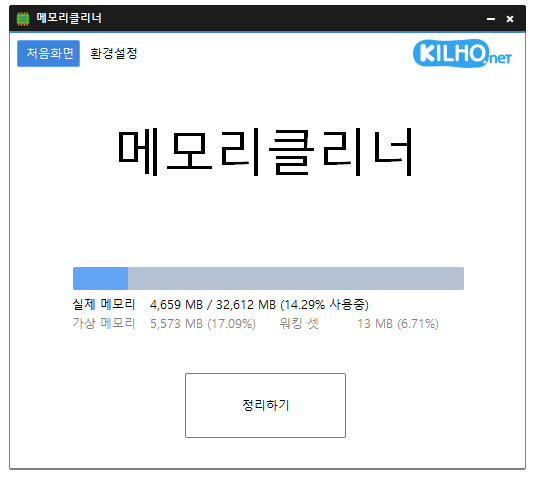
Memory Cleaner (1.9.2) has been updated.
- Cleans various memory areas.
- Automatically cleans based on your settings.
- Can be used without installation.
Homepage
- Memory Cleaner : https://memorycleaner.kilho.net
History
- Version 1.9.2 (2025/12/22)
- Fixed duplicate save issue with tray icon description lock
- Improved tray icon display method for enhanced display stability - Version 1.9.1 (2025/11/24)
- Removed unnecessary loading animations to improve memory usage - Version 1.9.0 (2025/11/03)
- Improved indicator display and hiding actions
- Enhanced stability of status display during memory cleaning - Version 1.8.9 (2025/10/04)
- Library updates for improved stability - Version 1.8.8 (2025/09/03)
- Enhanced memory status display feature
Related Links
- Update Guide : https://kilho.net/archives/notice/2940
License
- Memory Cleaner is Freeware.
- You can use it freely without space restrictions in companies, homes, public offices, schools, etc.
- It can be freely distributed anywhere.
Download
Frequently Asked Questions (FAQ)
- Is Memory Cleaner free?
Yes, Memory Cleaner can be used for free in companies, homes, schools, public offices, etc. - How do I clean memory?
After running the program, click the 'Clean' button to clean the memory immediately. - Can I clean memory automatically?
Yes, you can set automatic cleaning based on memory usage or at regular intervals. - Is there an installation process required?
No, you can run it immediately without separate installation.

Leave a Reply