


Image Converter 1.5.8 Update
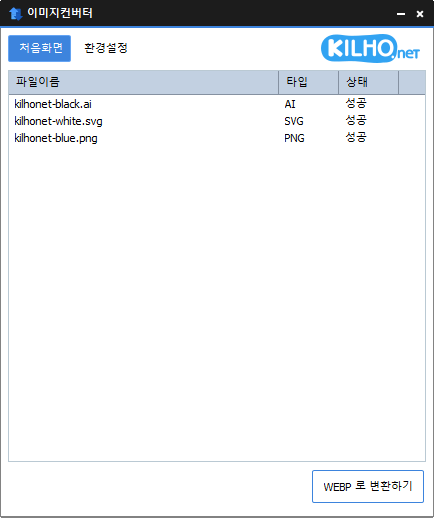
The Image Converter (1.5.8) has been updated.
- You can change various image formats.
- Saves JPG with higher compression using MozJPEG.
- PDF files are saved as image files for each page.
- Transparent backgrounds are preserved in PNG and WEBP.
- You can convert using the right-click context menu.
- No installation is required.
Homepage
- Image Converter: https://imageconverter.kilho.net
History
- Version 1.5.8 (2026/03/01)
- Fixed some image file recognition errors
- Improved stability for support of the latest image formats - Version 1.5.7 (2026/02/03)
- Fixed some image processing errors
- Improved stability for processing image files - Version 1.5.6 (2026/01/09)
- Fixed exit error occurring during update checks - Version 1.5.5 (2025/10/15)
- Fixed errors that occurred during conversion - Version 1.5.4 (2025/09/22)
- Installation changed when replacing components
New post is available. Click here to check the latest post.
Related Links
- Update Notice: https://kilho.net/archives/notice/2940
License
- The Image Converter is Freeware.
- You can use it anywhere without space restrictions, such as in companies, homes, public offices, and schools.
- You can freely distribute it anywhere.
Download
Frequently Asked Questions (FAQ)
- Is the Image Converter free?
Yes, you can use the Image Converter freely in homes, offices, public institutions, schools, and everywhere. - What image formats are supported?
It supports conversion for most image formats, including PDF, SVG, PSD, PNG, JPG, GIF, WEBP, etc. - Can I save JPG images with high compression?
Yes, you can save them with higher compression than standard JPG using MozJPEG technology. - Is an installation process required?
No, the Image Converter can be used immediately without any installation. - Can multiple images be converted at once?
Yes, you can drag multiple images into the list and convert them all at once.

Leave a Reply